2. Device setup
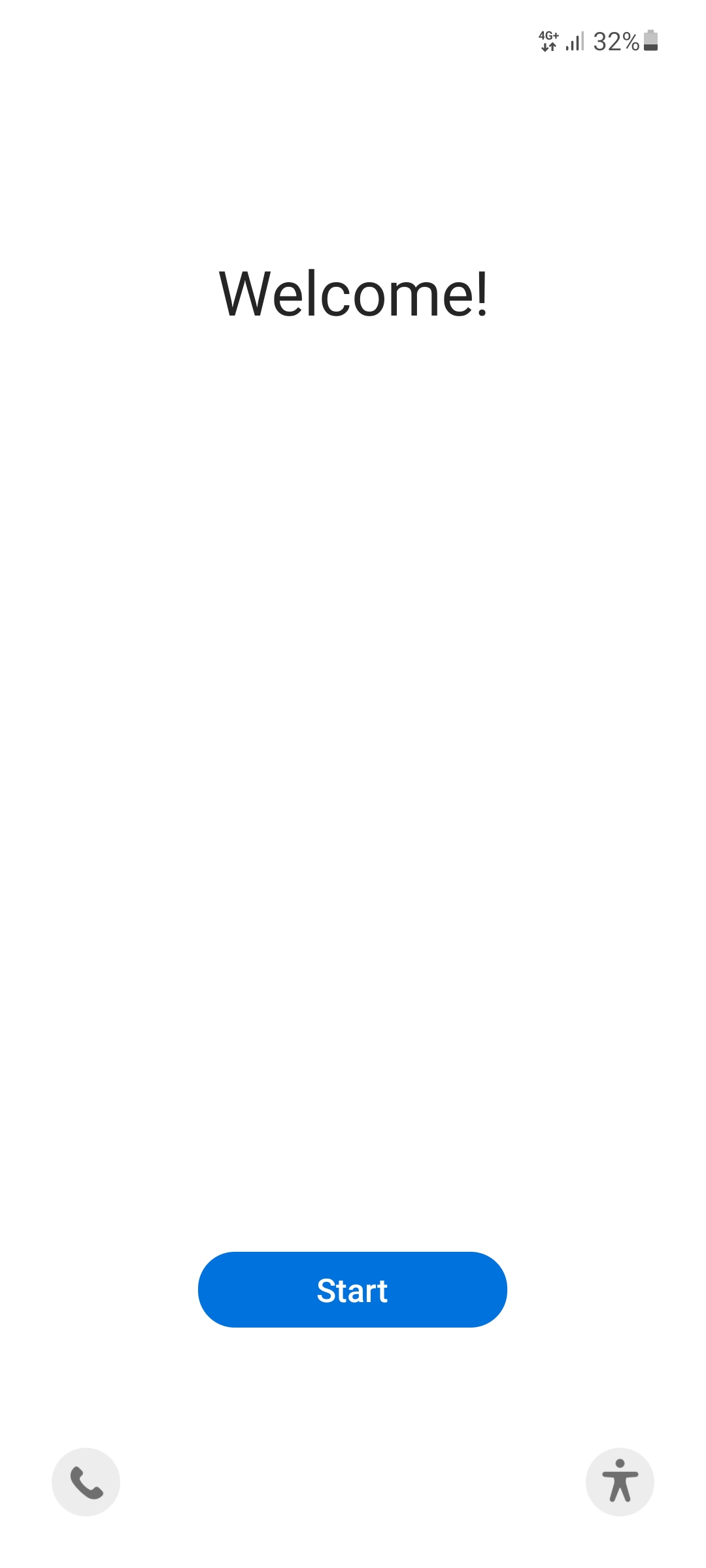
2.1 Welcome
Confirm the welcome screen with the blue button.
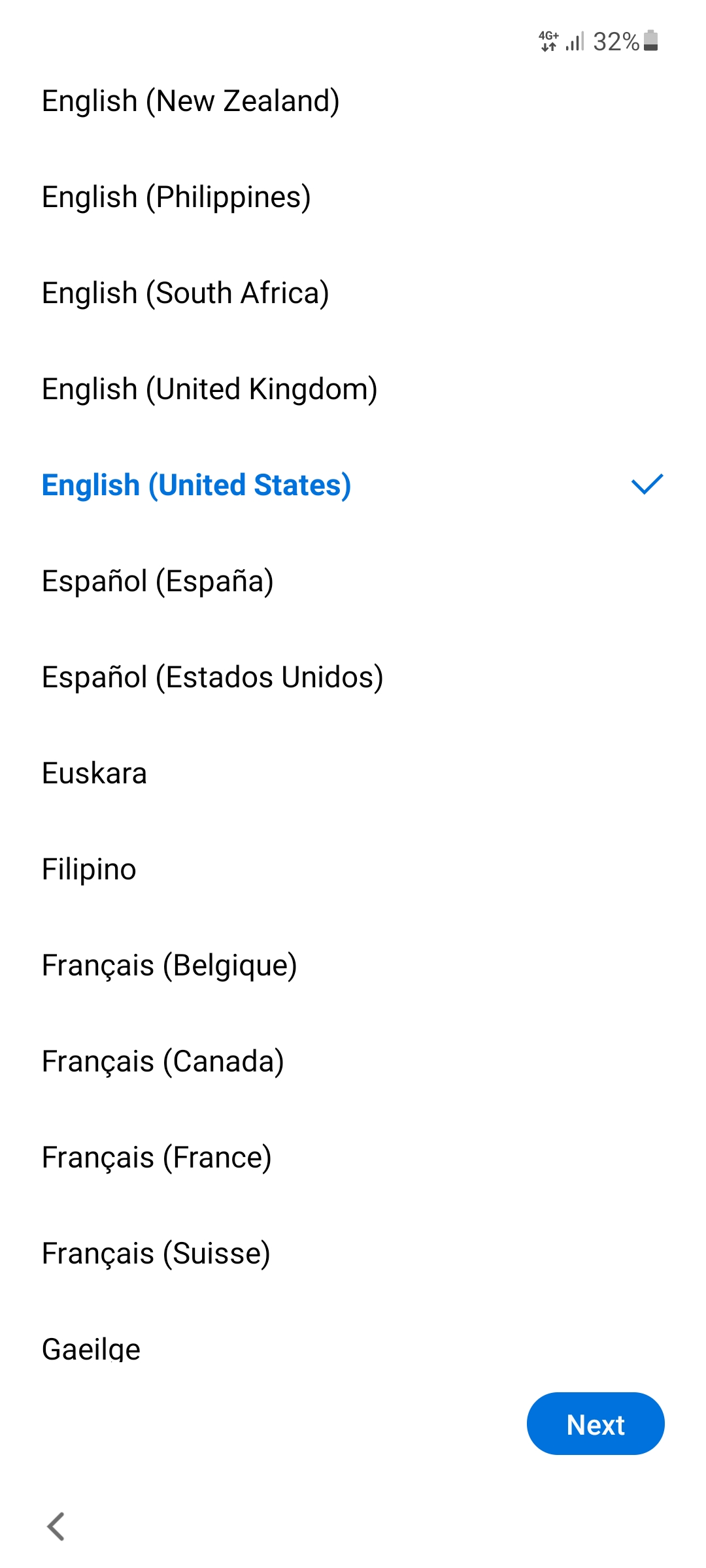
2.2 Select language
For device setup please select a language and tap Next.
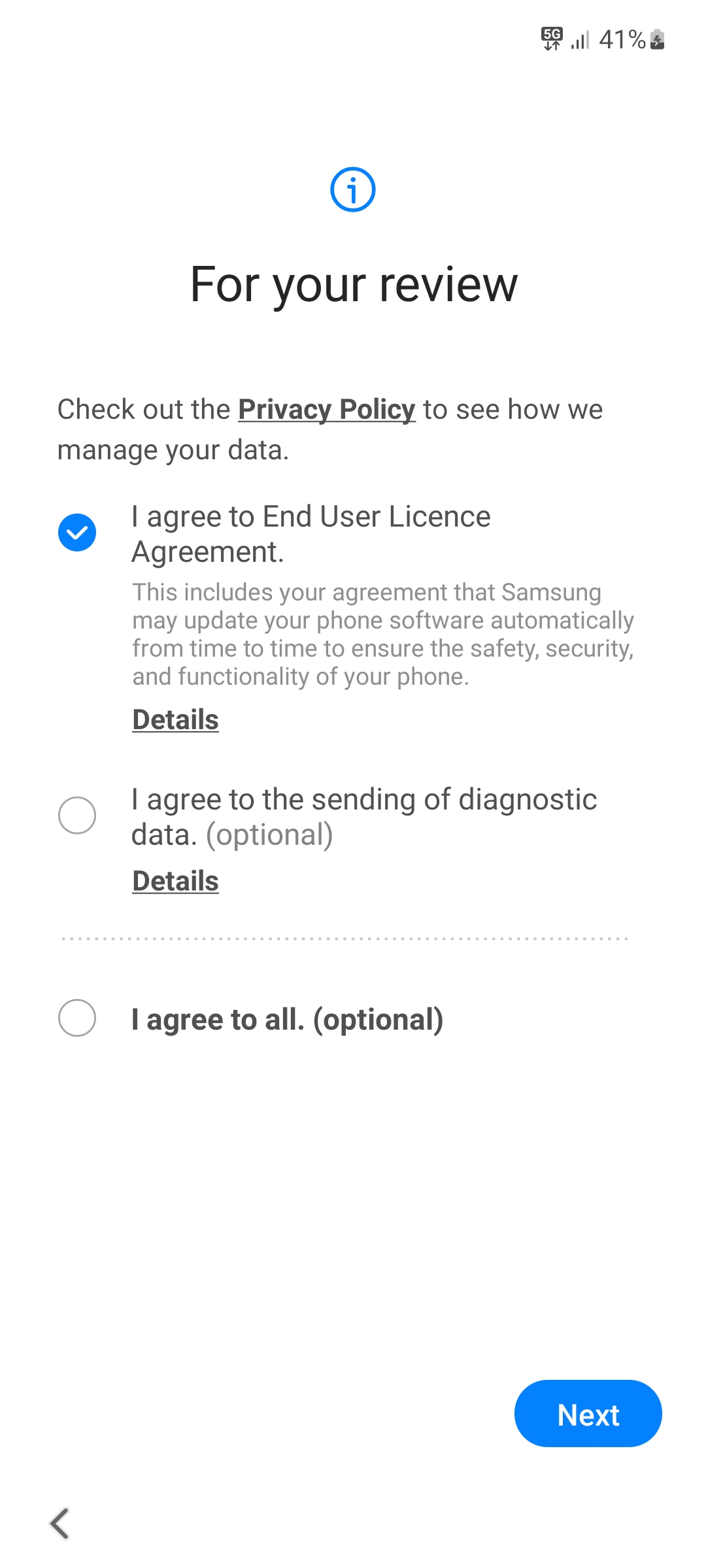
2.3 License agreement
Select the checkbox "End user license agreement" and tap Next.
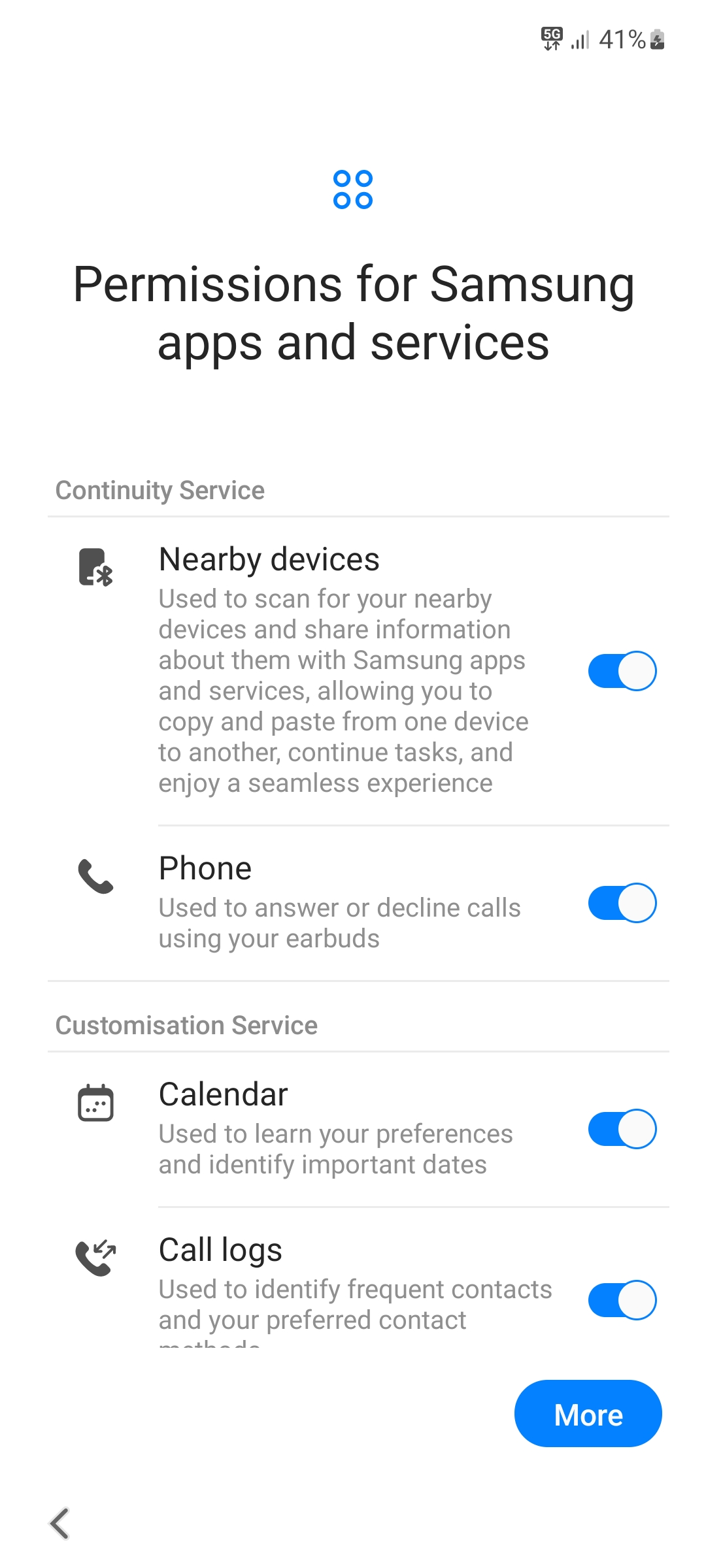
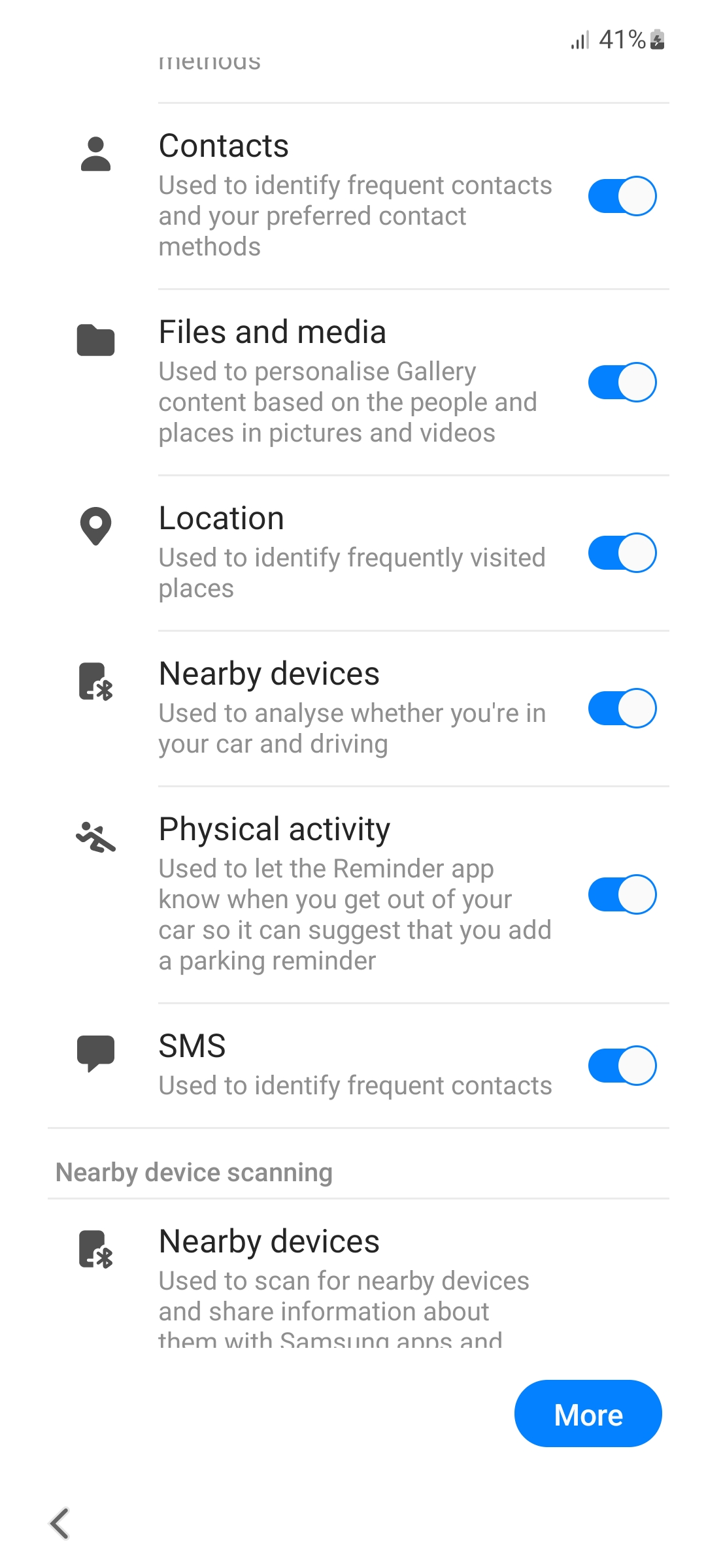
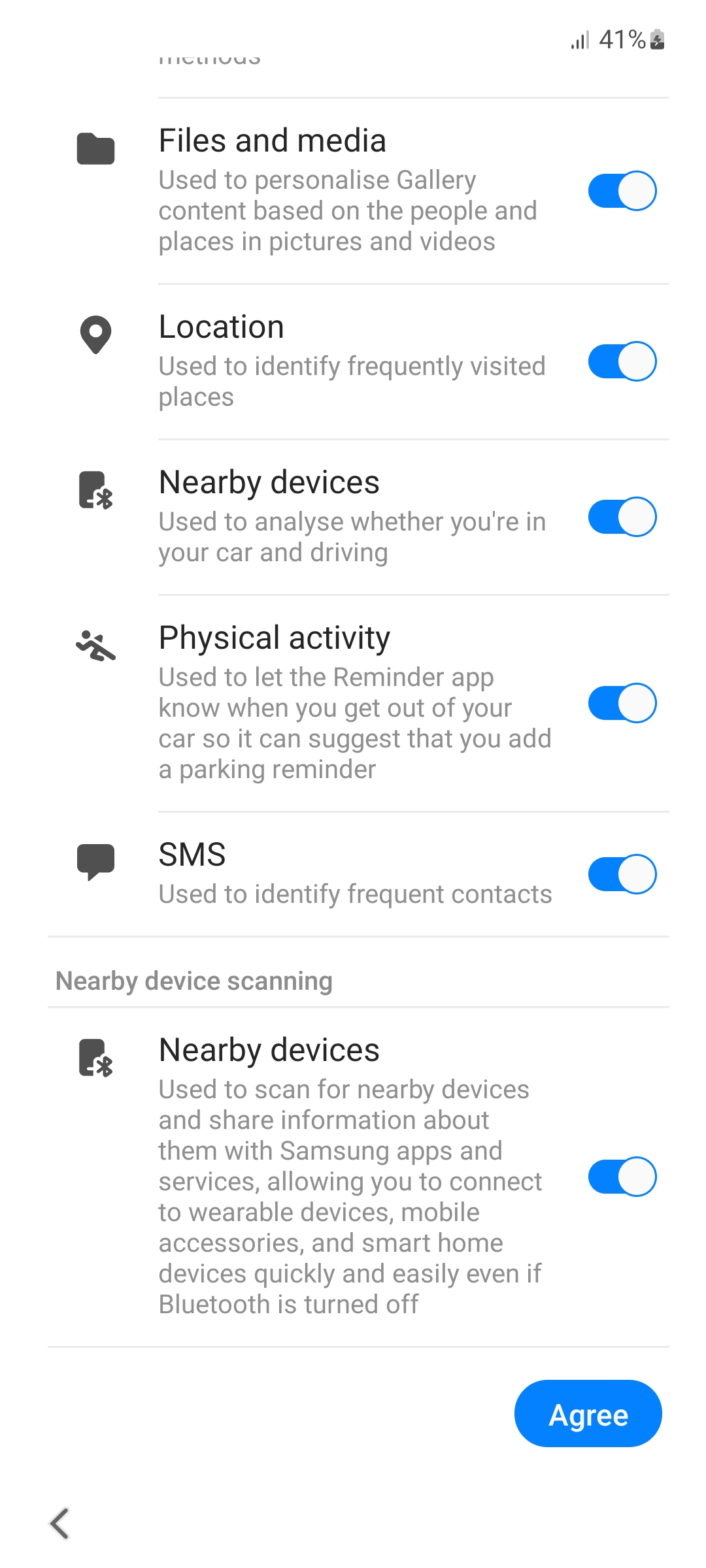
2.4 Samsung permissions
Select the permissions for Samsung Apps and services as you like. For the best usability we suggest that you keep them activated. Tap on More to scroll to the next page. Press Agree to approve the selected permissions.
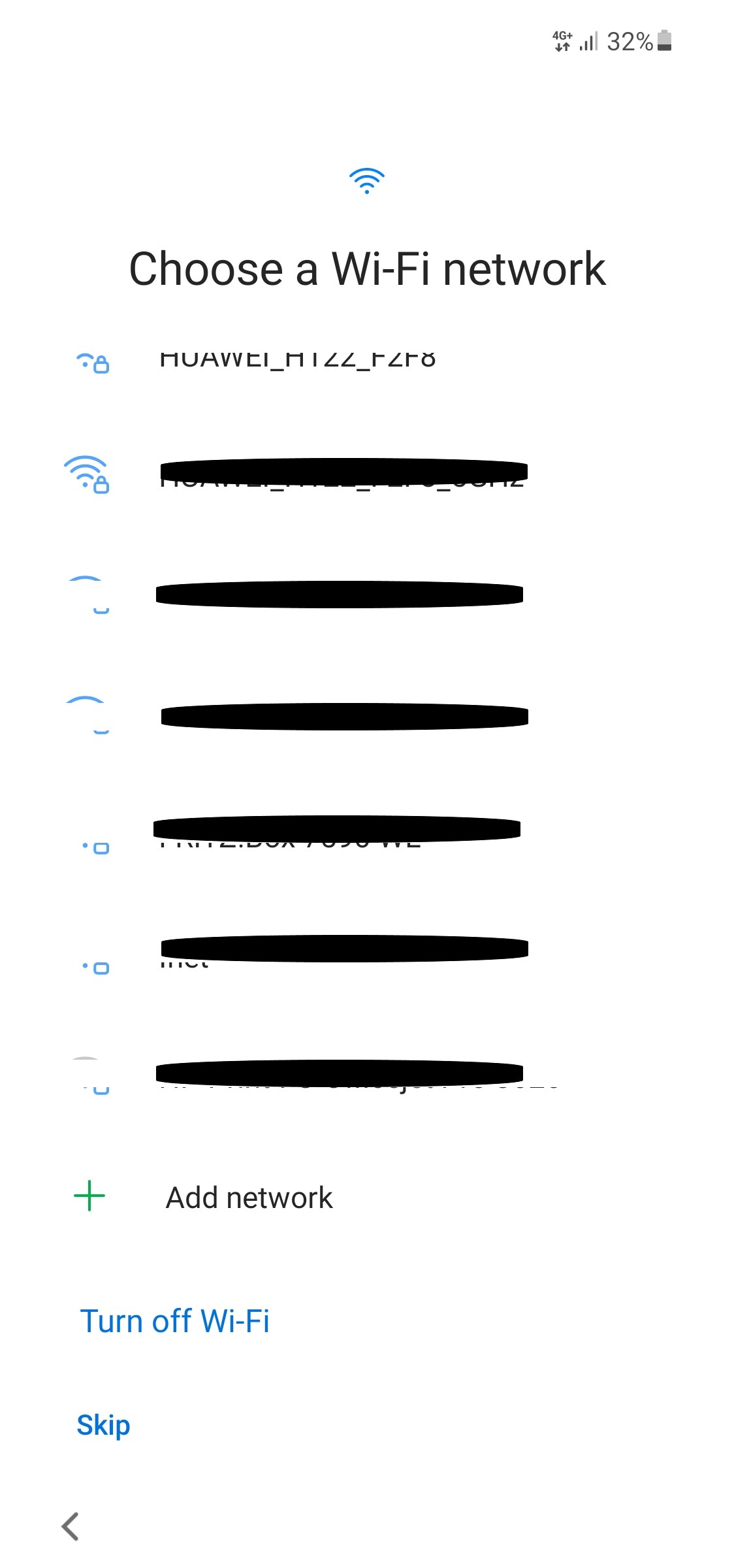
2.5 Selecting a WLAN
Connect to a WLAN and tap Next. If you can't connect to any WLAN, tap Skip.
Note
Do NOT connect to the WLAN EnIGuM here. Your tablet will automatically connect to EnIGuM-secure later.
2.6 Tablet is prepared
Wait until updates are checked and the tablet is prepared.