2. Device setup
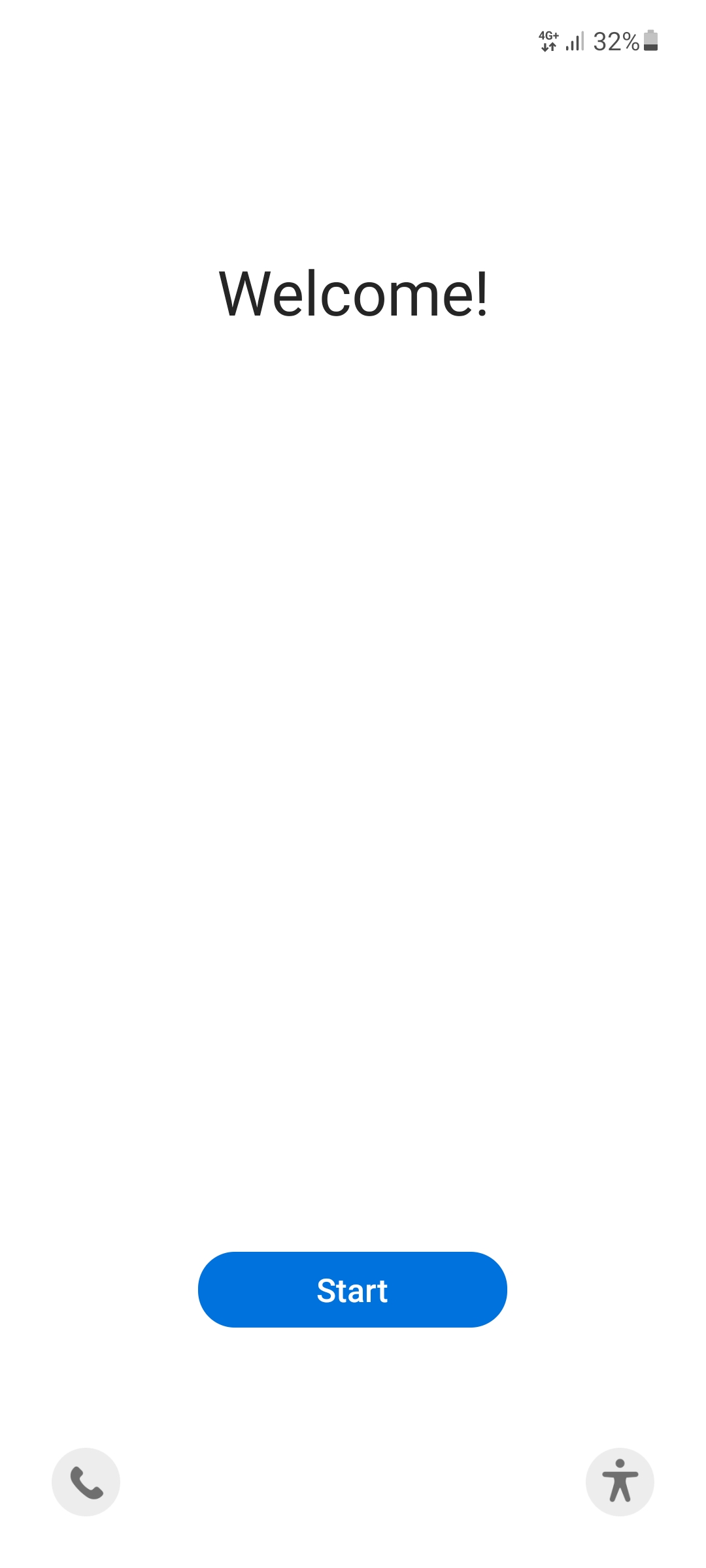
2.1 Welcome
Confirm the welcome screen with the blue button.
Note
The displayed language does not matter. You can select your preferred language on the next screen.
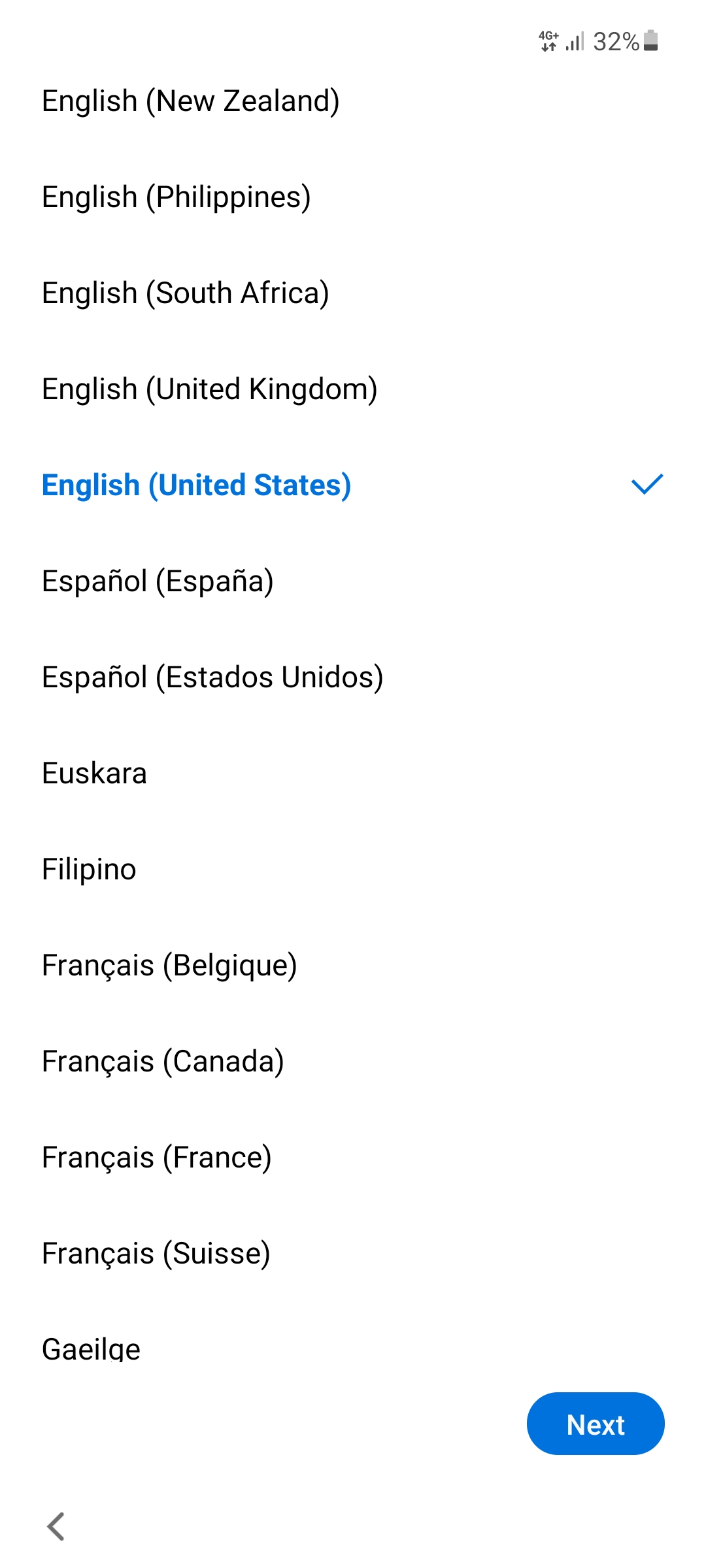
2.2 Select language
For device setup please select a language and tap Next.
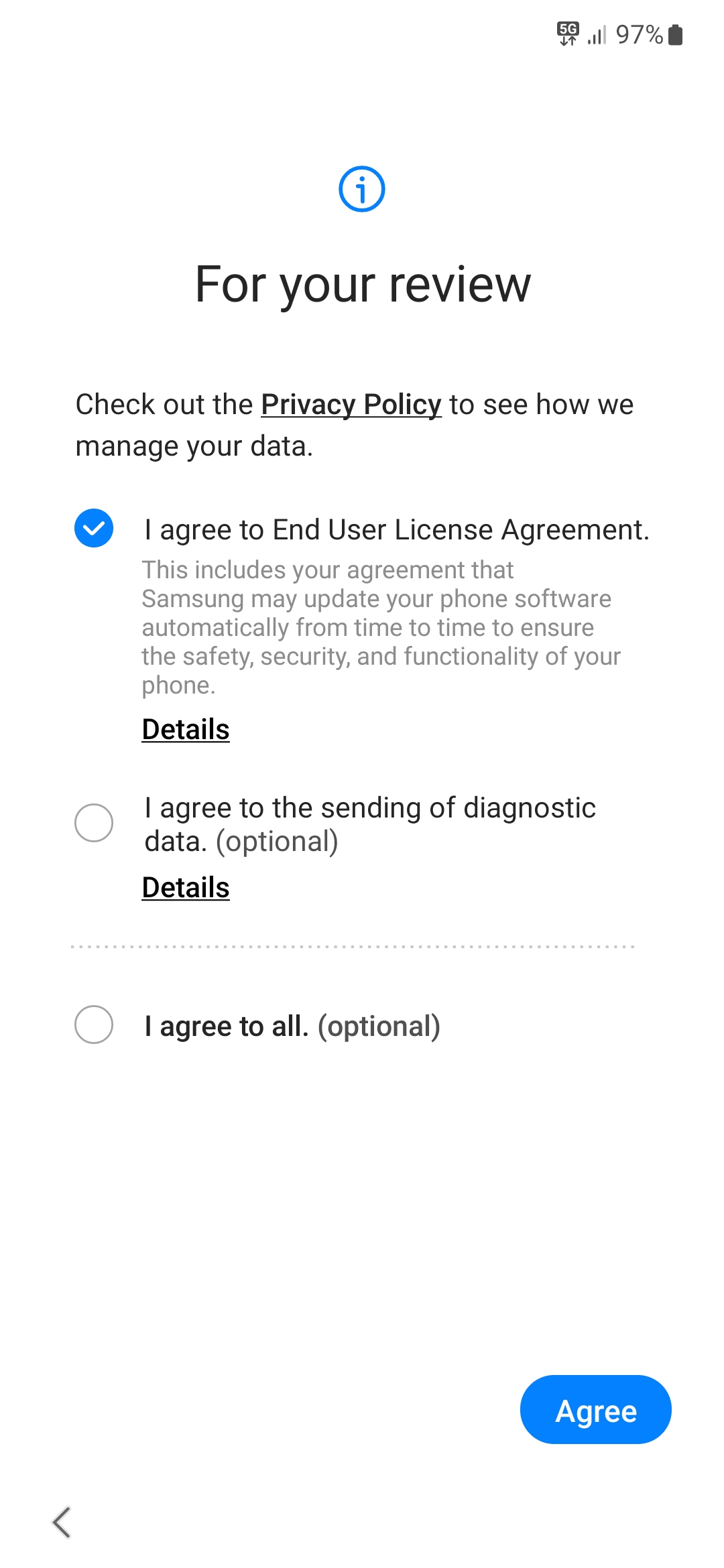
2.3 License agreement
Select the checkbox "End user license agreement" and tap Agree.
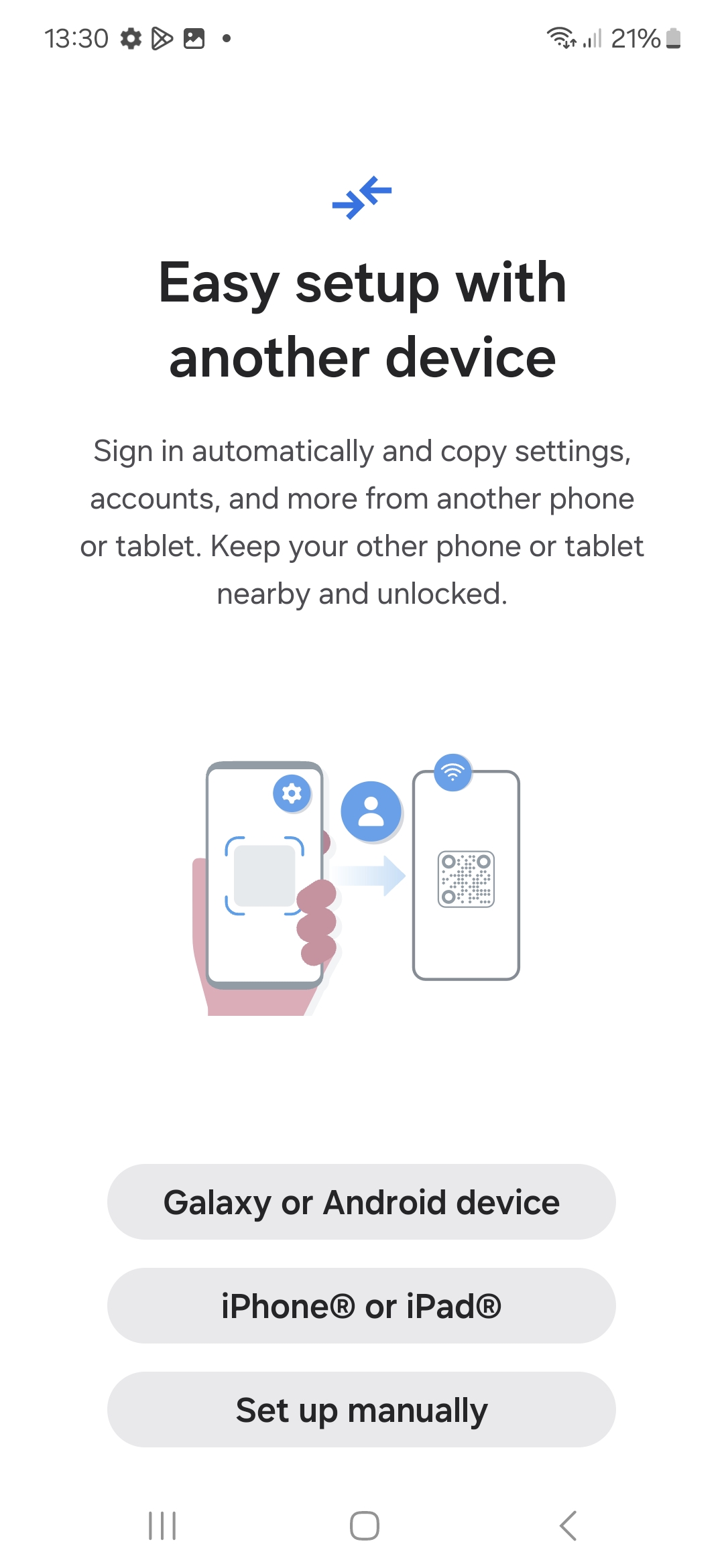
2.4 Set up using another device
Tap on Set up manually.
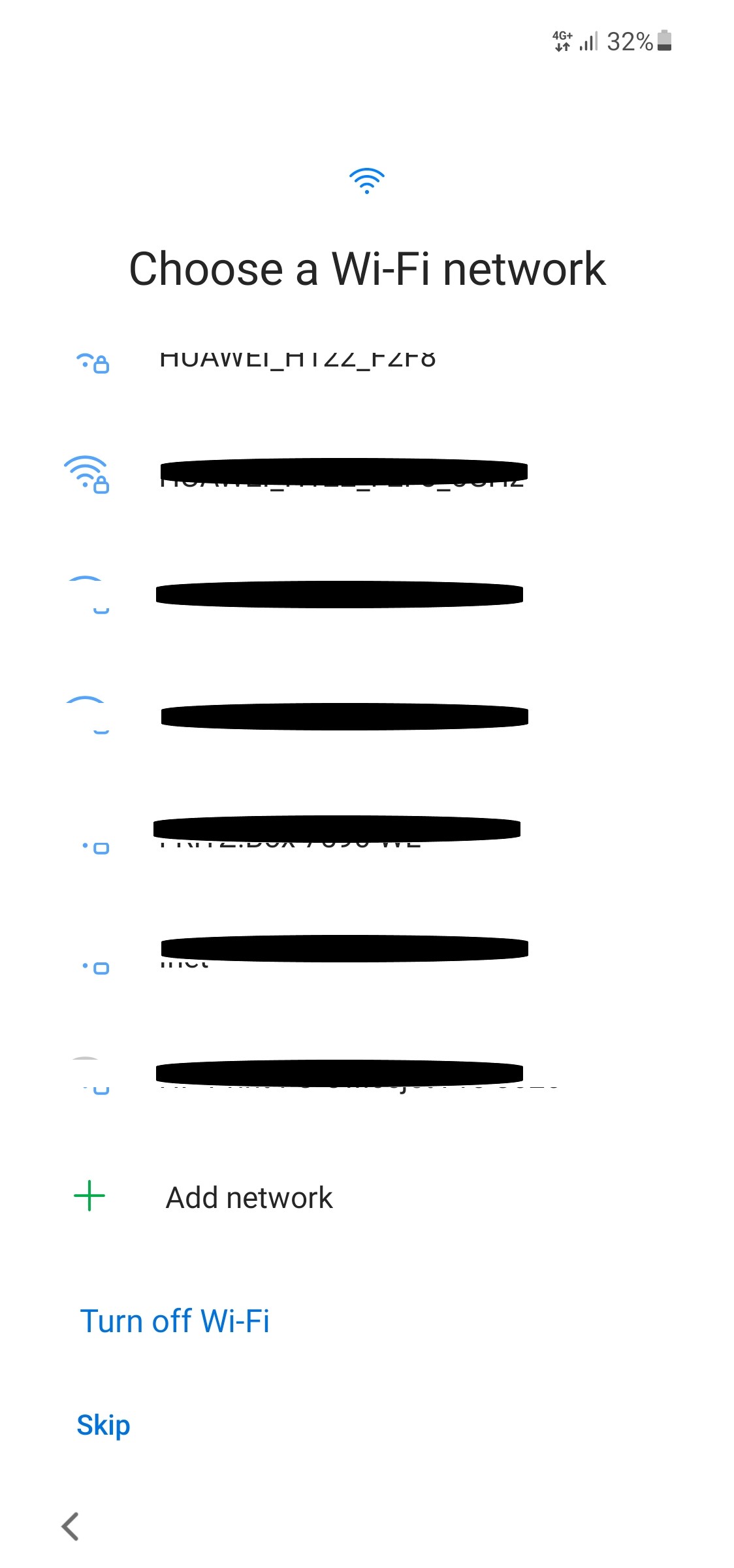
2.5 Choose a Wi-Fi network
| SIM card type | Setup |
|---|---|
| eSIM | Wi-Fi network required |
| SIM-Karte (envelope) | You can use mobile data plan to setup the device. Wi-Fi nework connection is recommended. |
Connect to a Wi-Fi and tap Next. If you can't connect to any Wi-Fi, tap Skip.
Important (no letter with a SIM card)!
An eSIM can only be added when the the device is connected to the internet. Connect to a Wi-Fi network and tap on Next.
Note
Do NOT connect to Wi-Fi network EnIGuM here. The network can't be used to connect to the internet in the setup wizard.
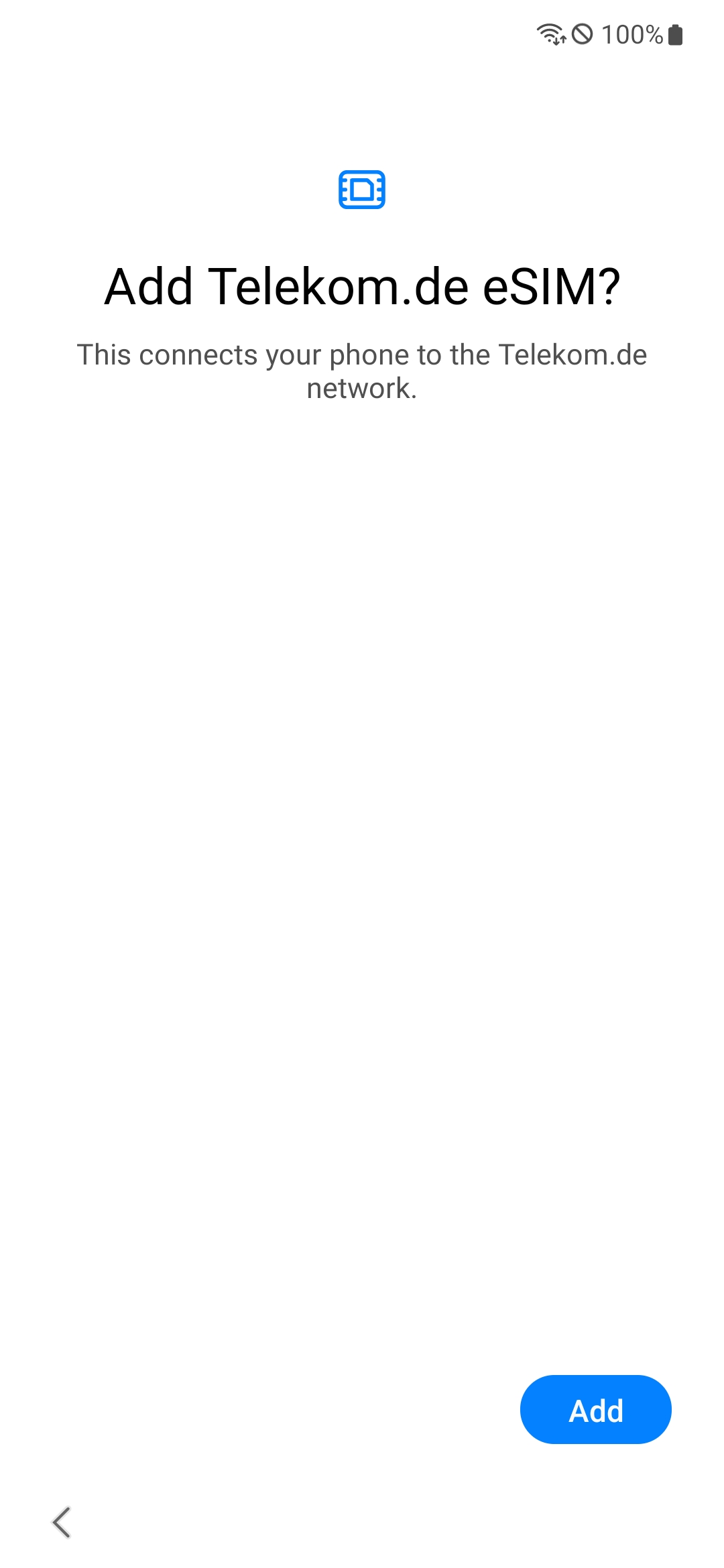
2.6 (optional) eSIM provisioning
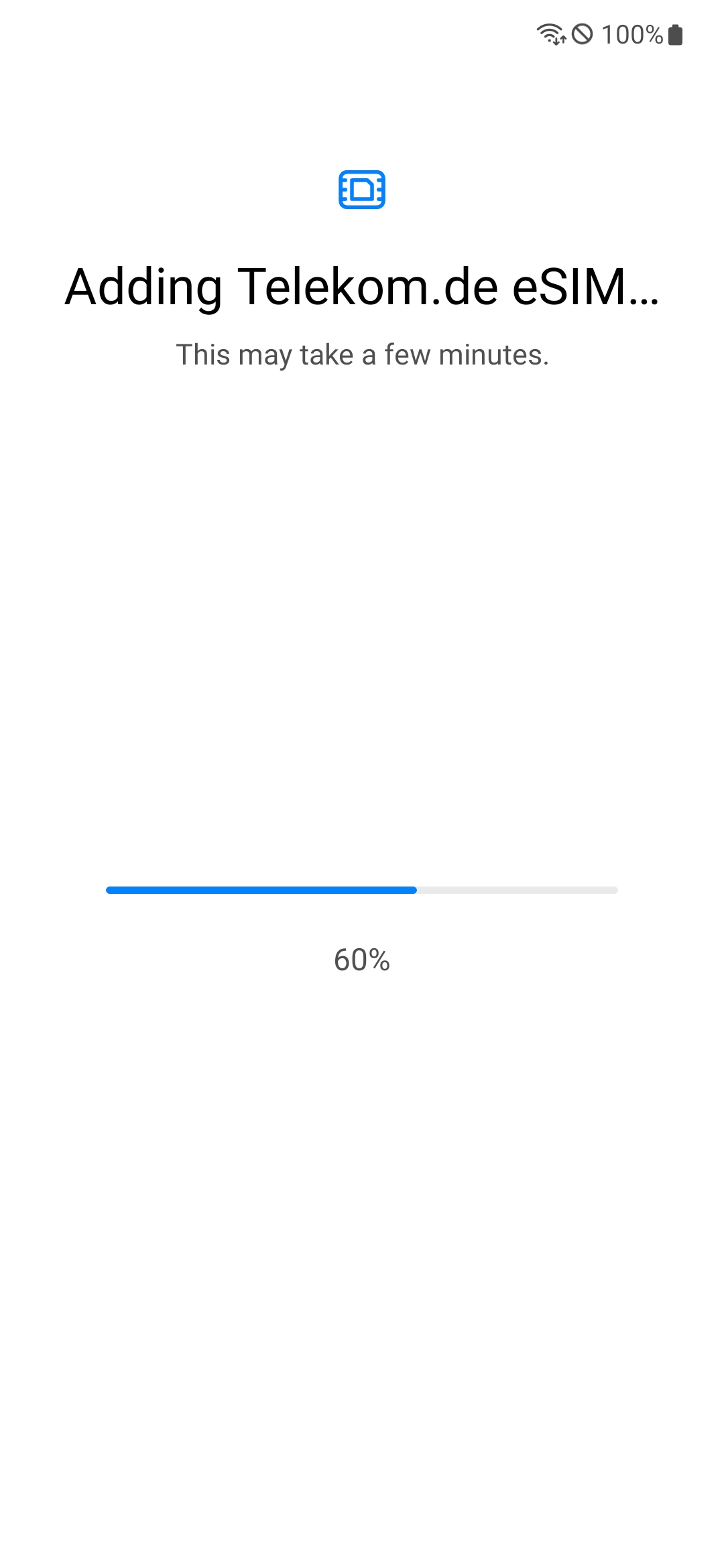
In case you ordered an eSIM your mobile plan will be configured automatically on your device. Please tap on Add and wait for the process to complete.
2.7 Service provider update
The device may require a reboot. Start the reboot by tapping on Reboot. You have to enter the PIN of your SIM card again.
2.8 Smartphone is being prepared
Wait until updates are checked and the smartphone is prepared.