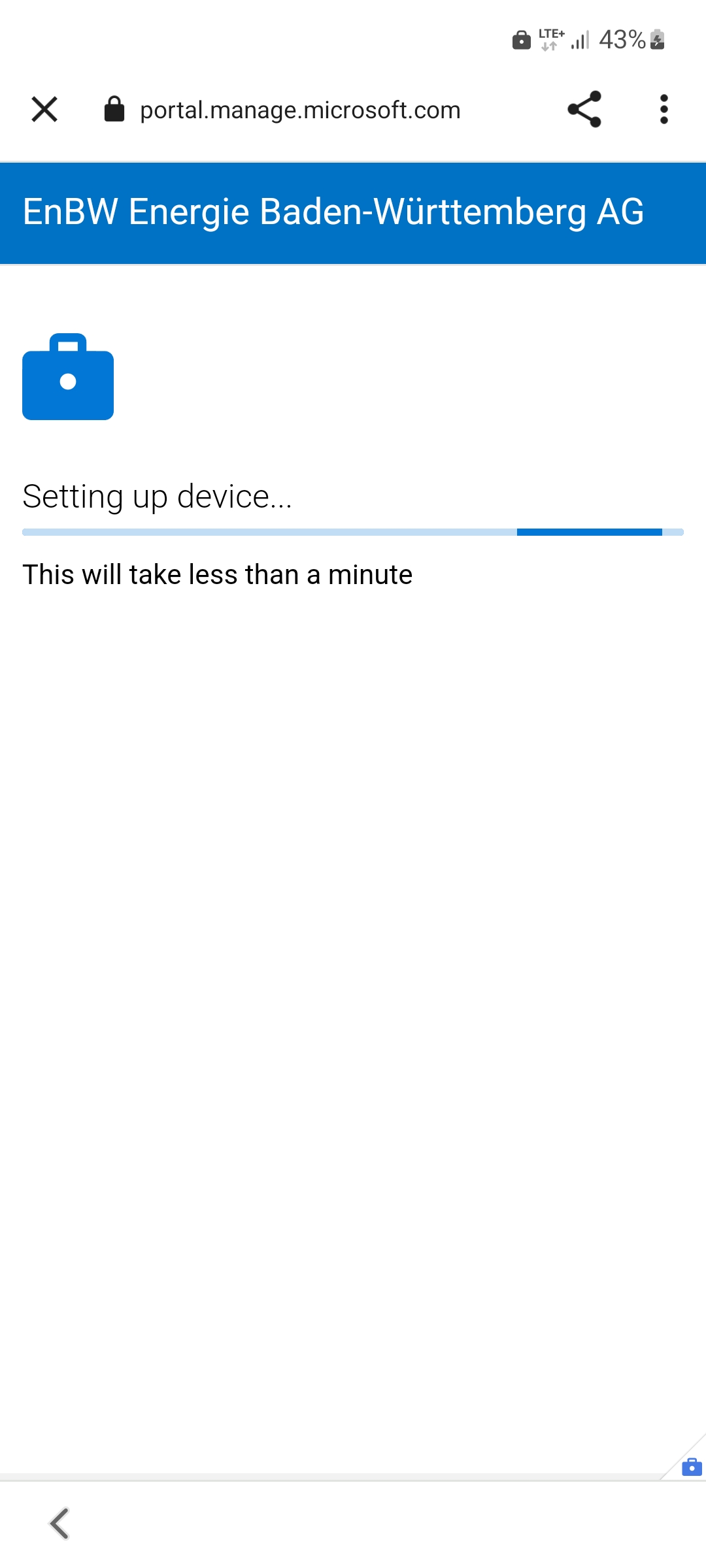
3. Create work profile
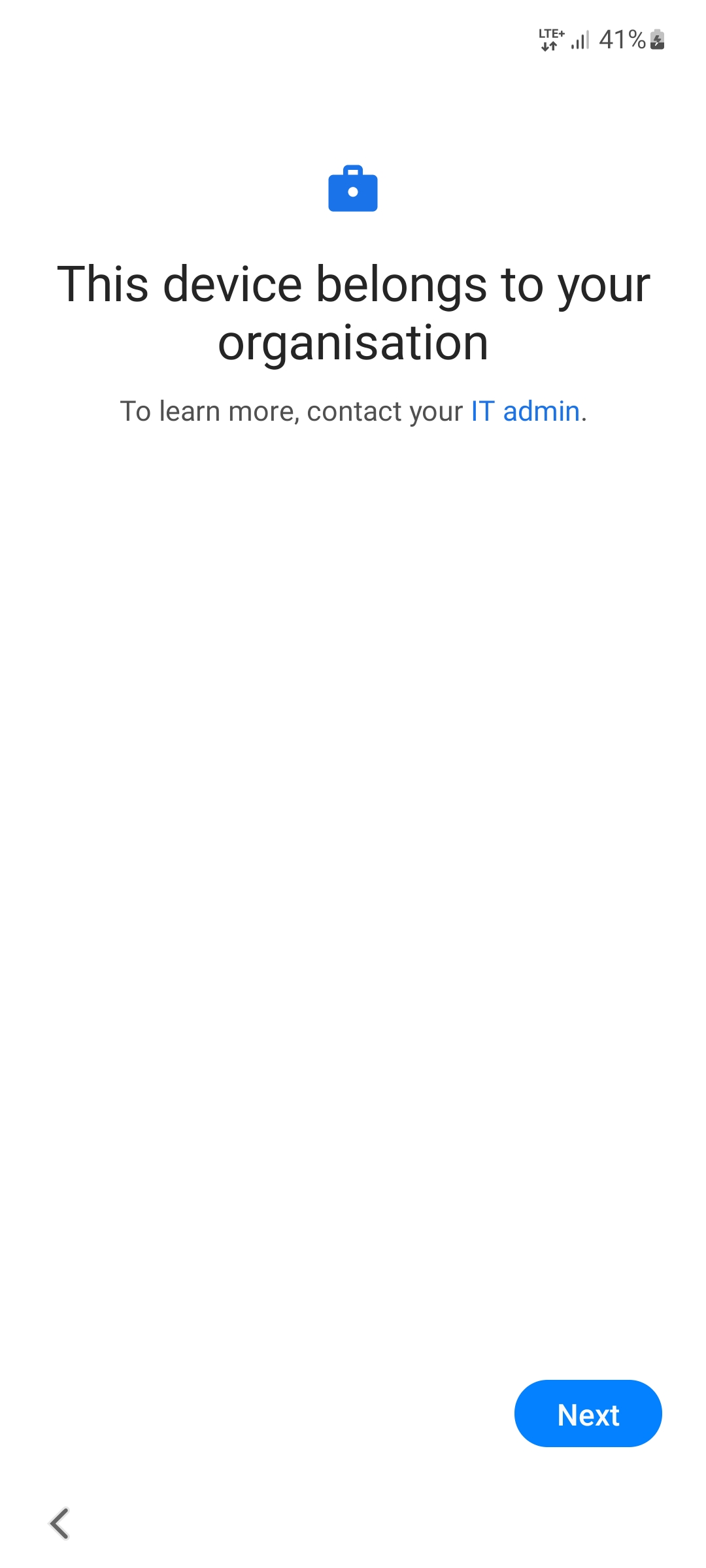
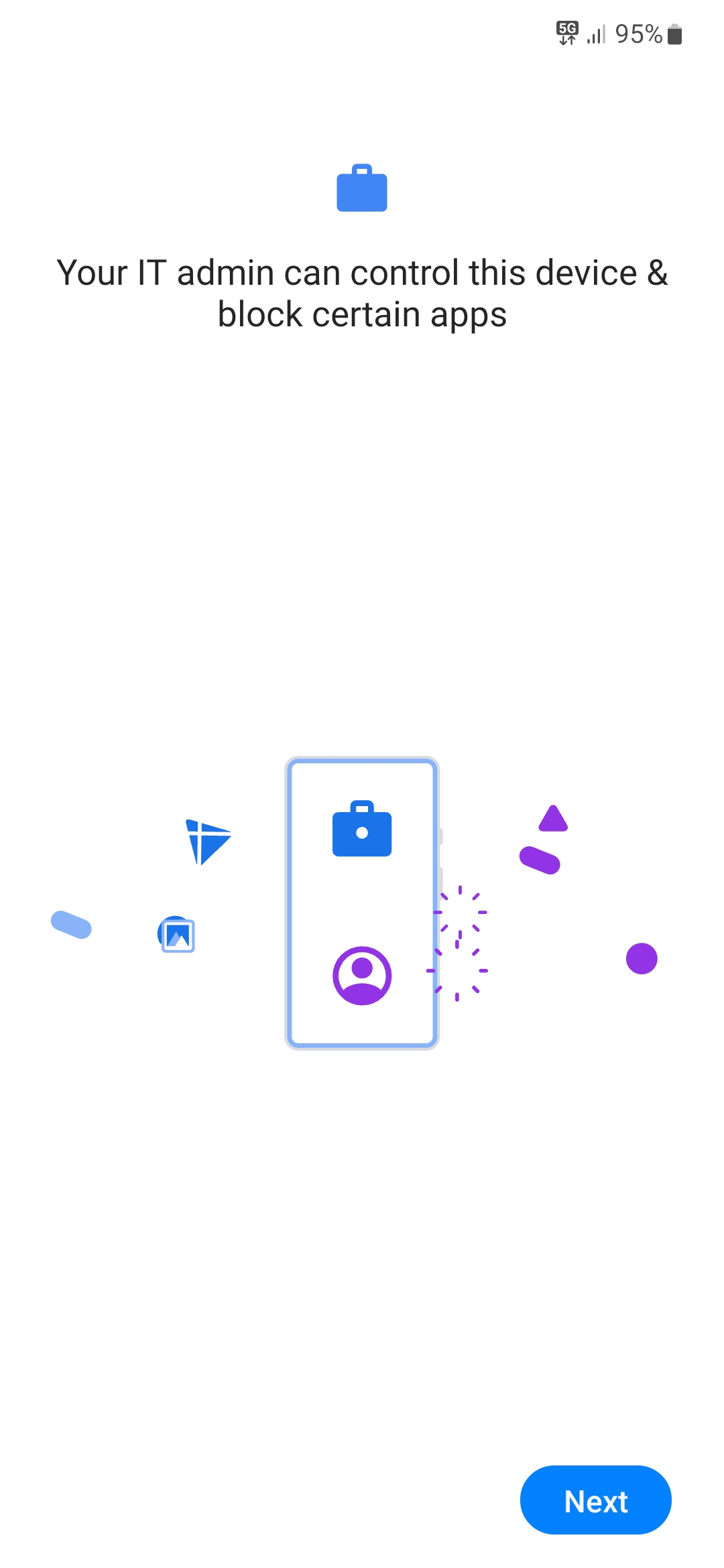
The device will indicate that it belongs to your organization. Type Next.
3.1 Set up work profile
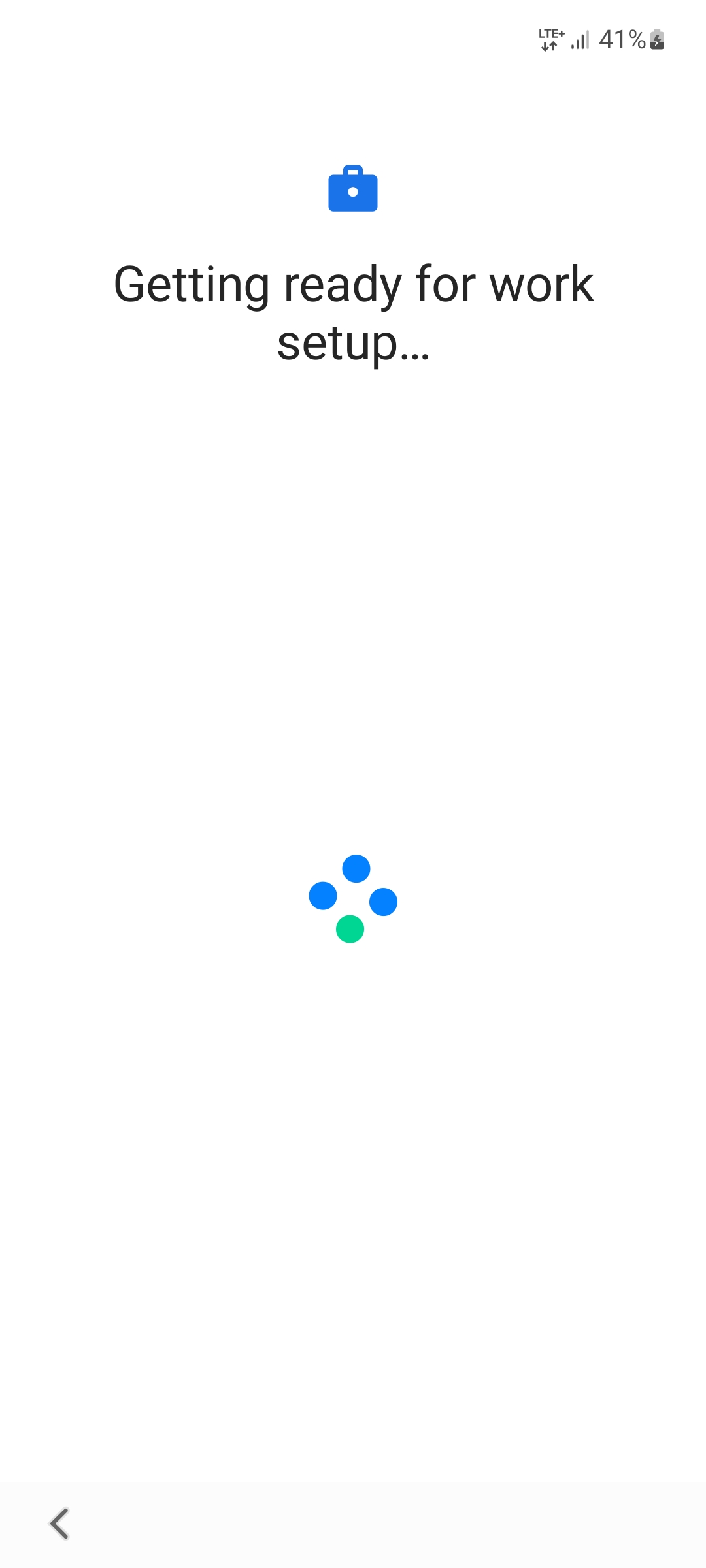
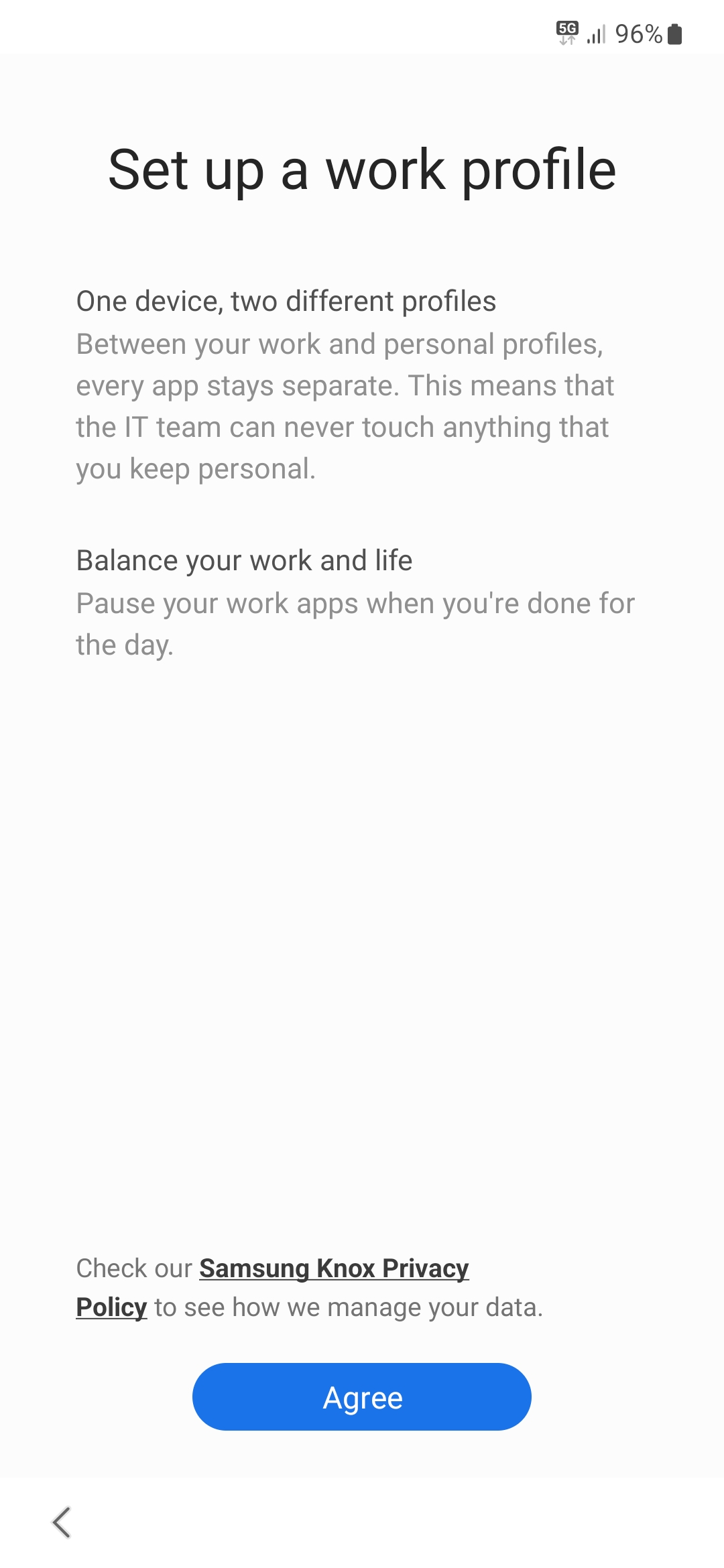
Tap on Agree. Wait until the work profile is set up. Then tap Next.
3.2 Chrome start page
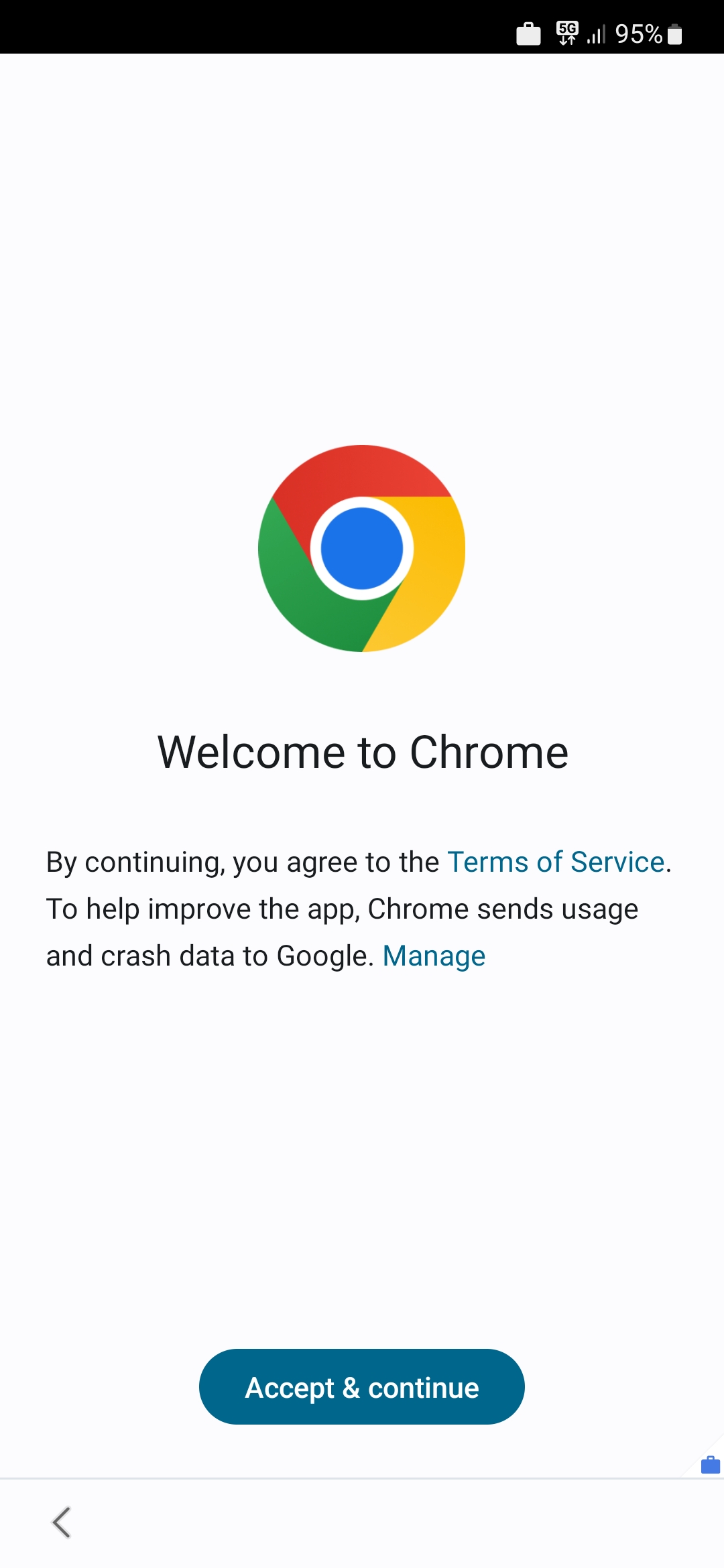
Tap Accept & continue to open the Chrome browser.
3.3 EnBW registration
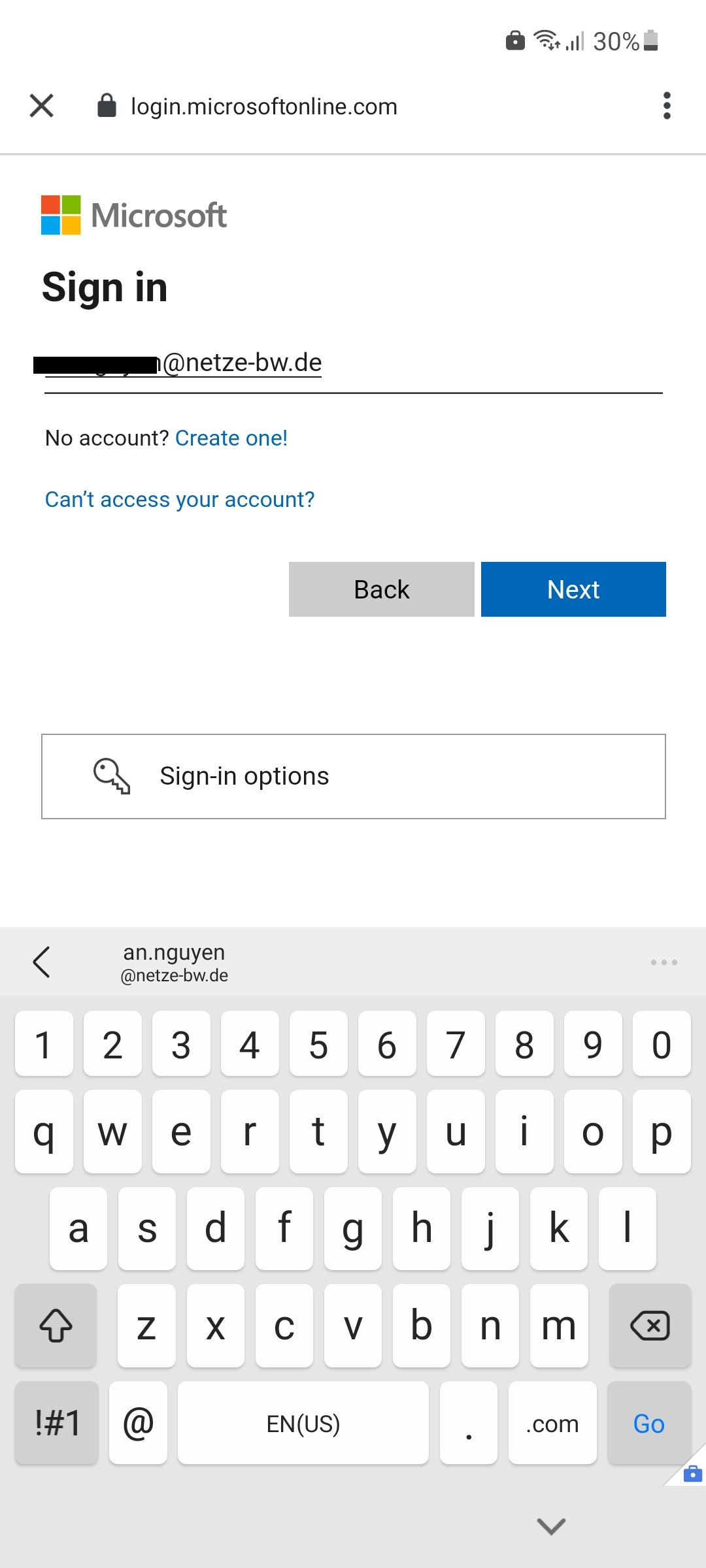
Log in with your EnBW email address and your corresponding (BüKo) password.
Note
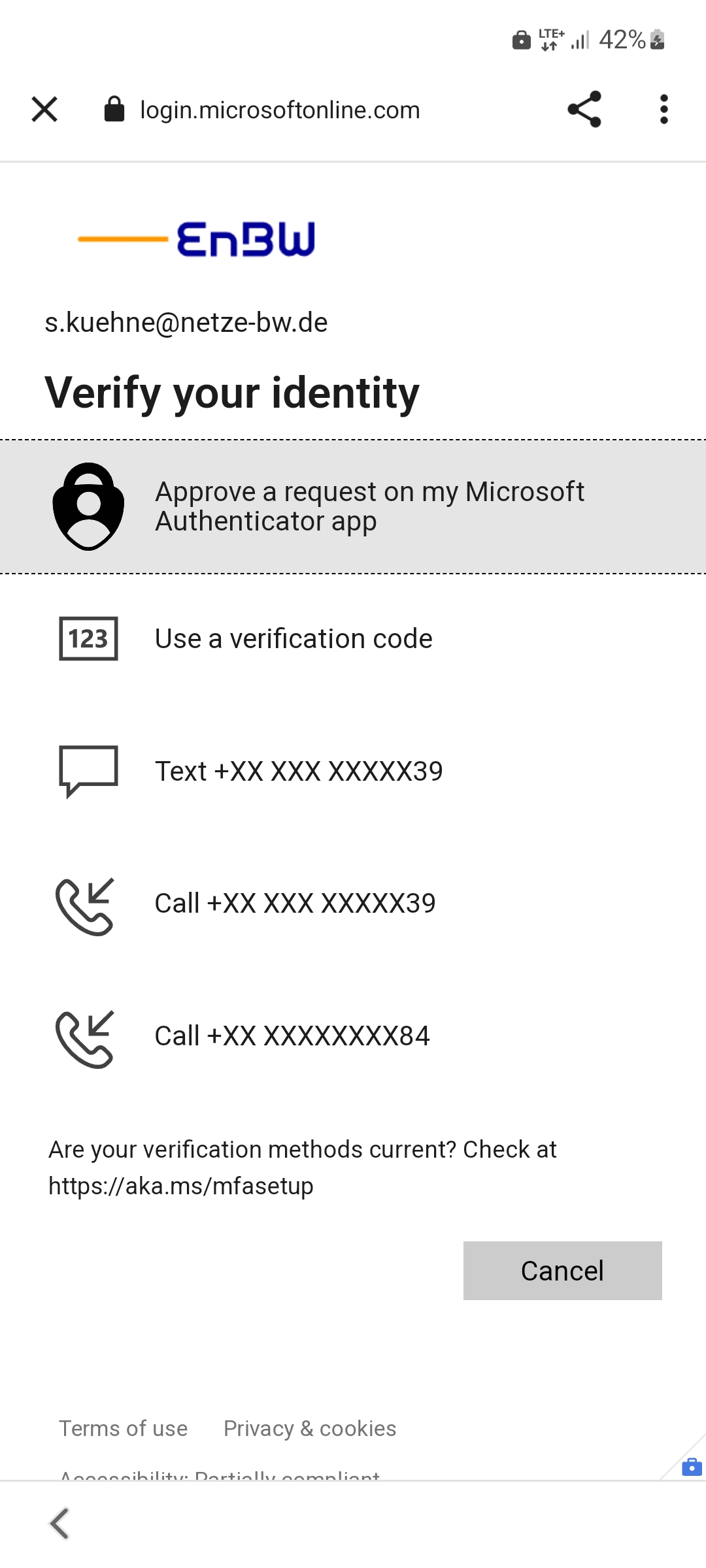
You will be asked asked to verify your identity. Please note the following information: IT Campus - MFA Smartphones & Tablets
Your work profile will now be set up. This will take some time.